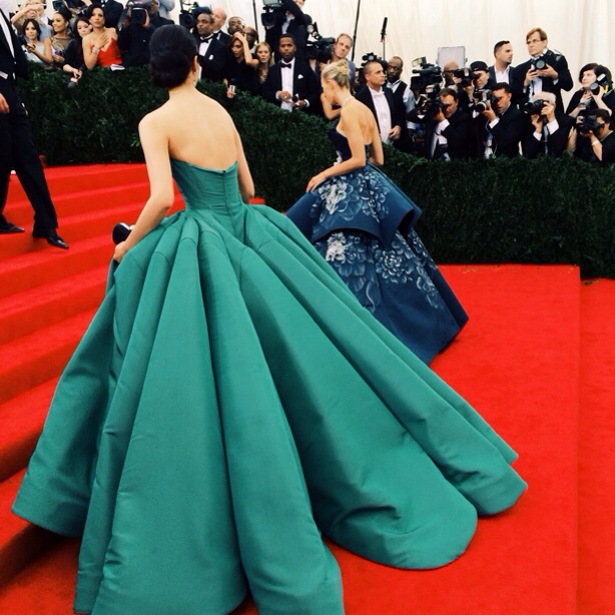
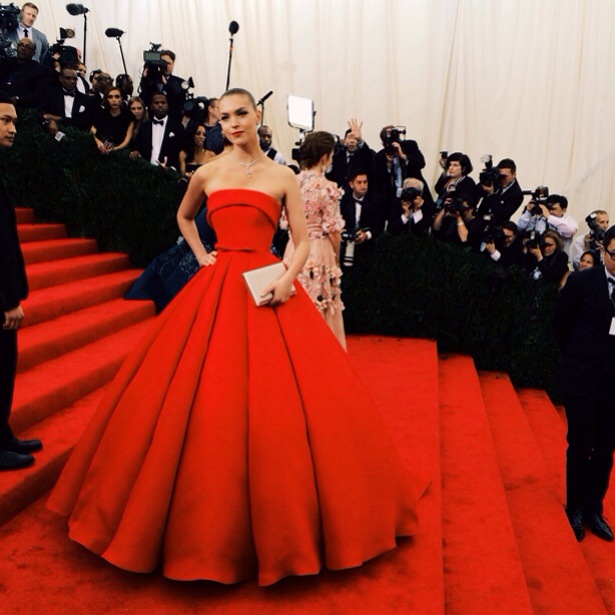
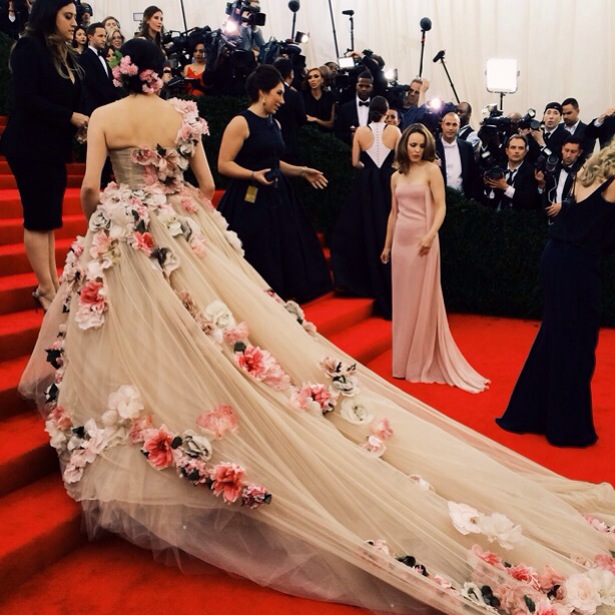
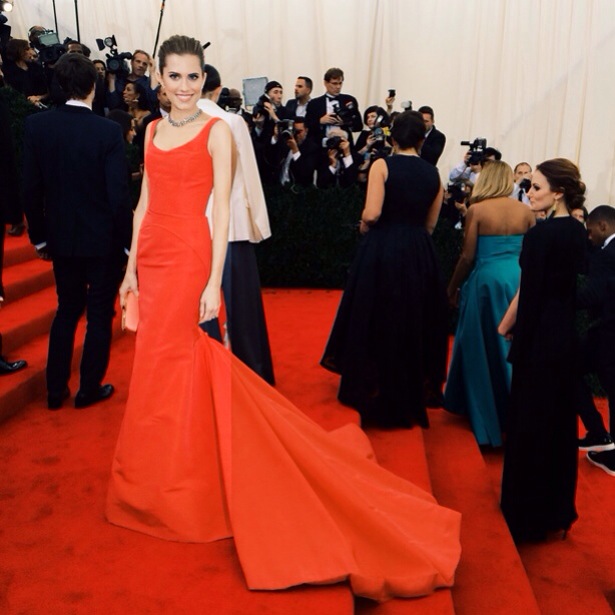

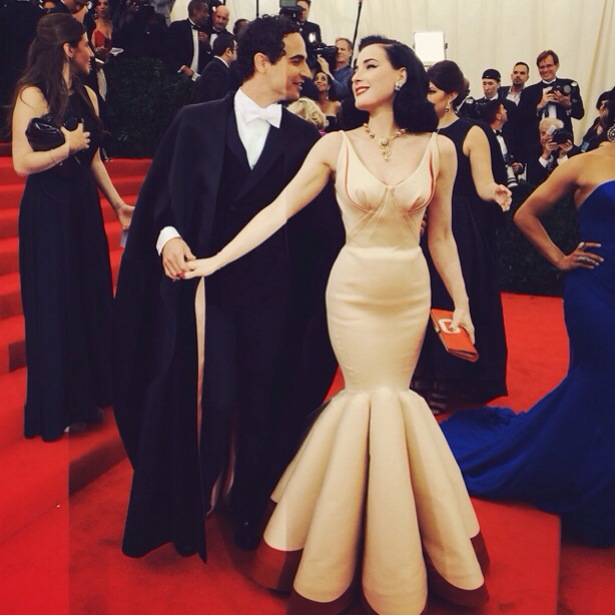
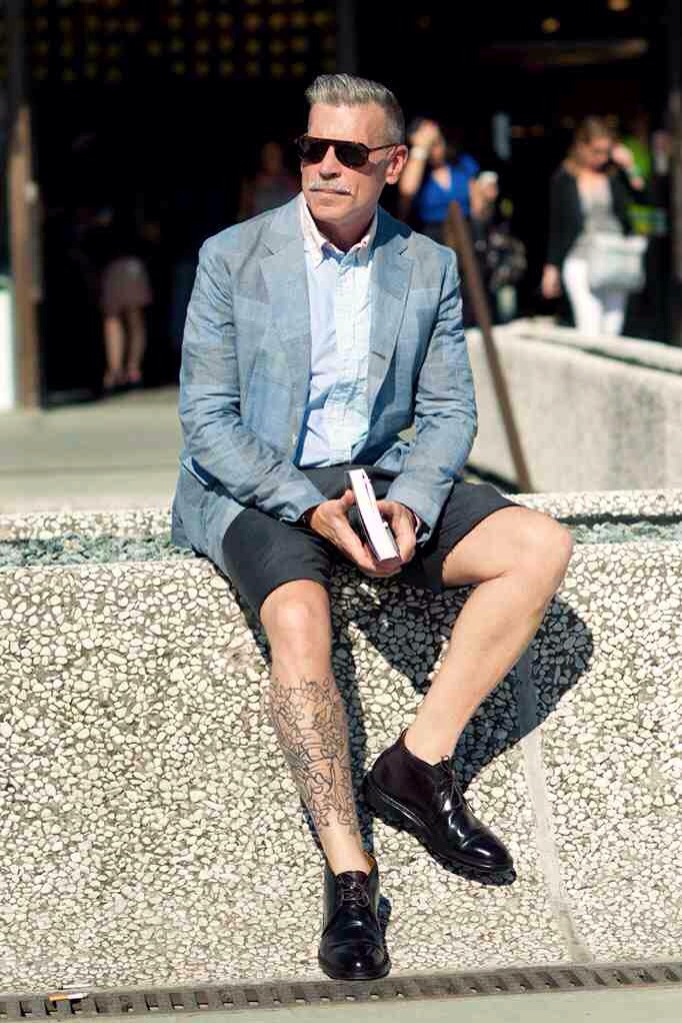
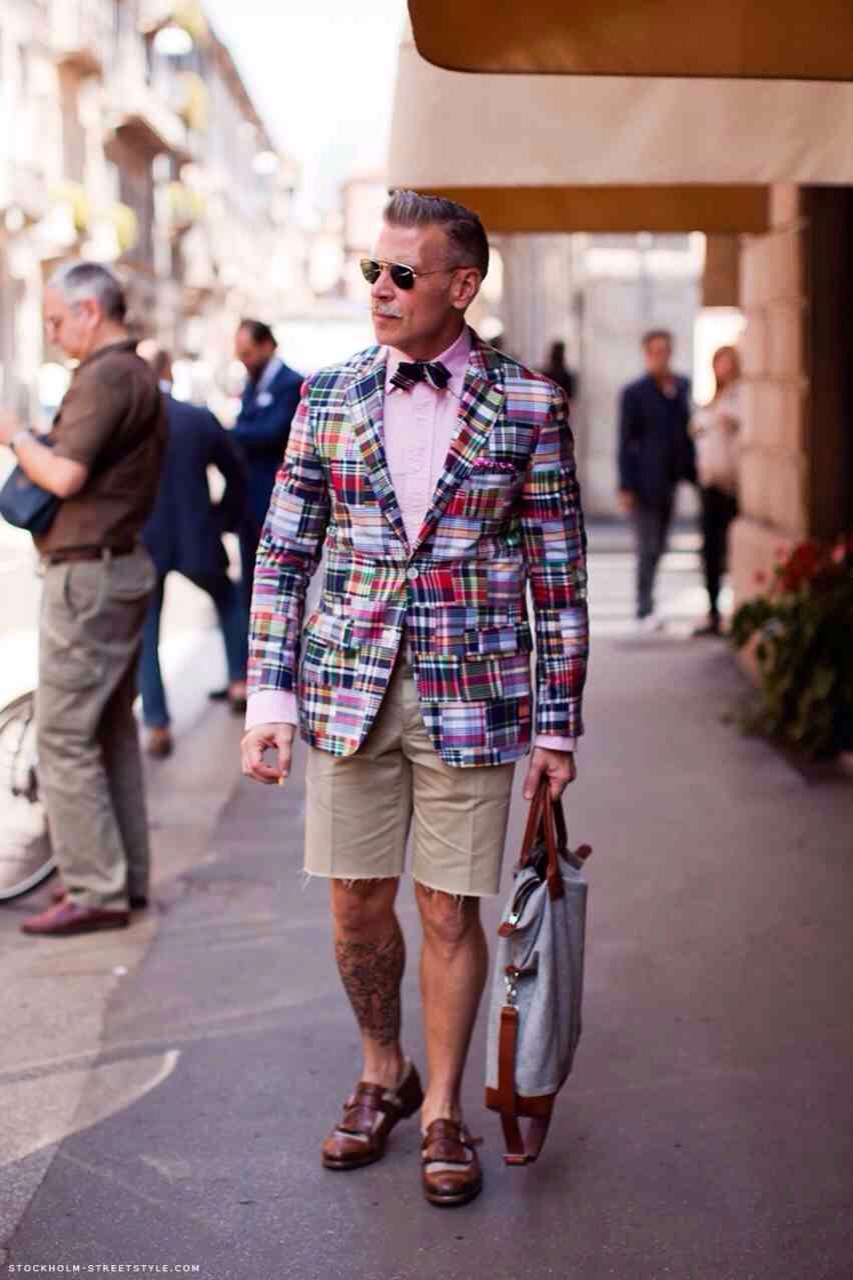
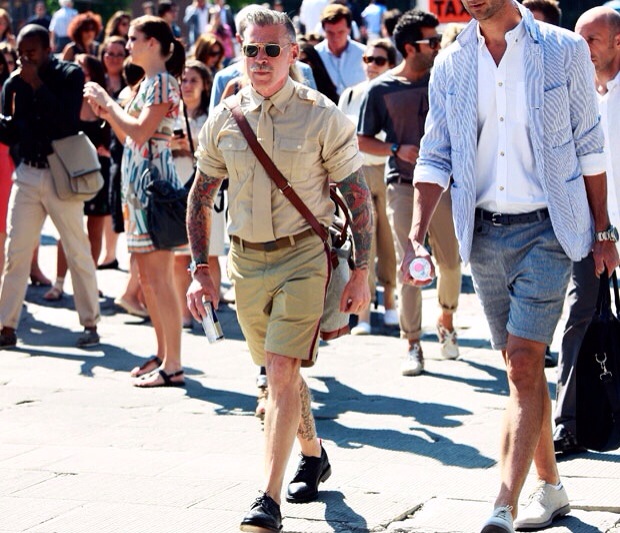
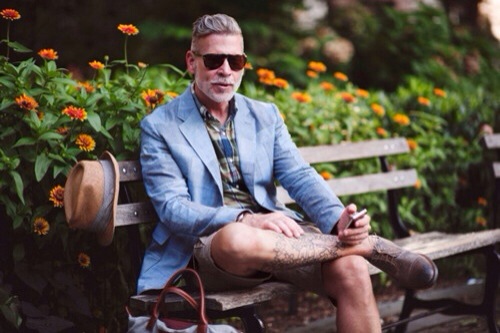
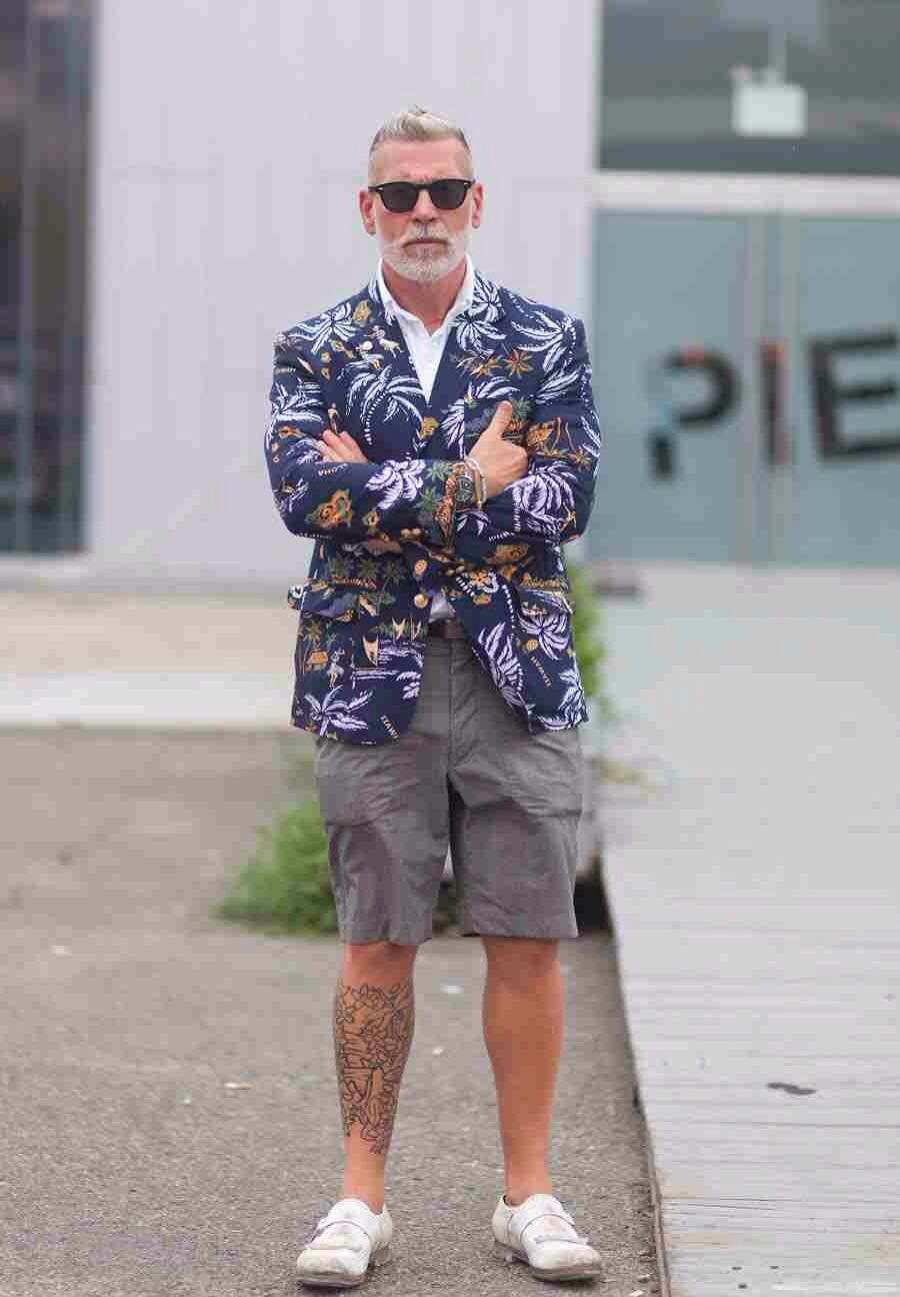
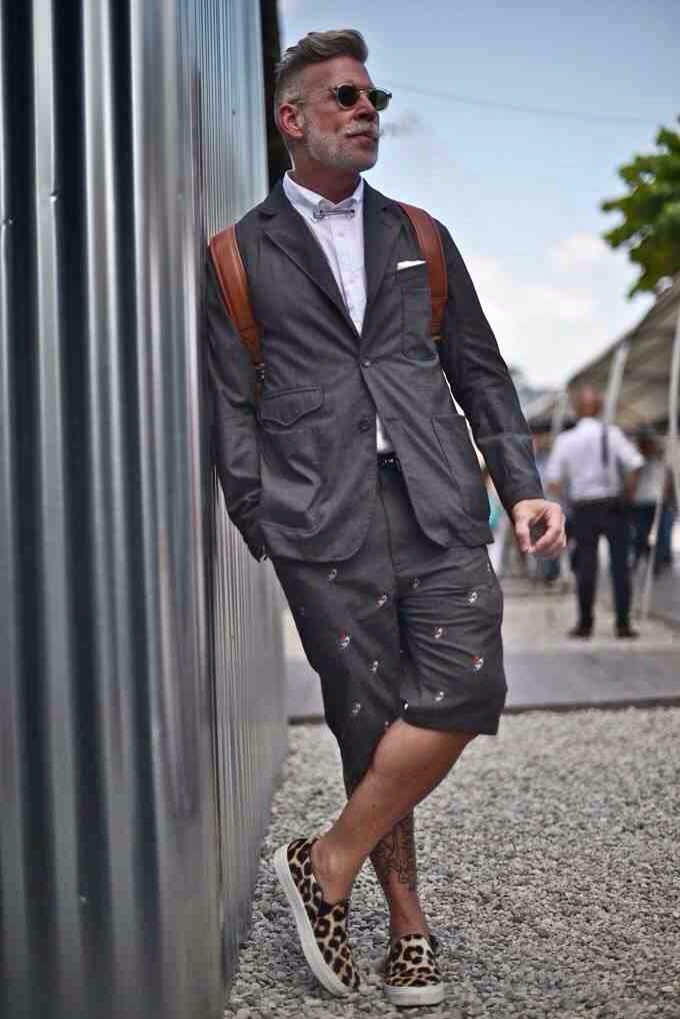
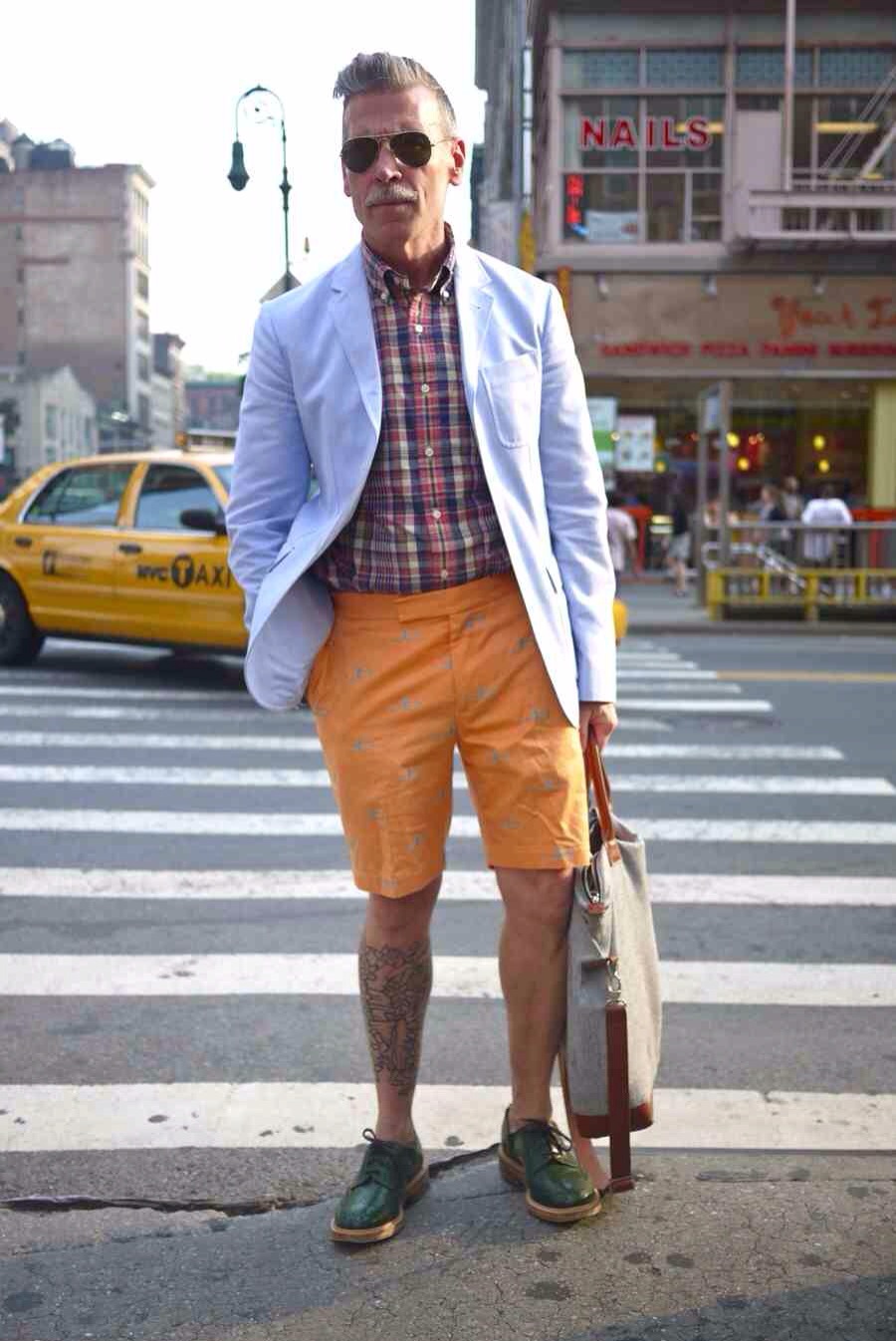
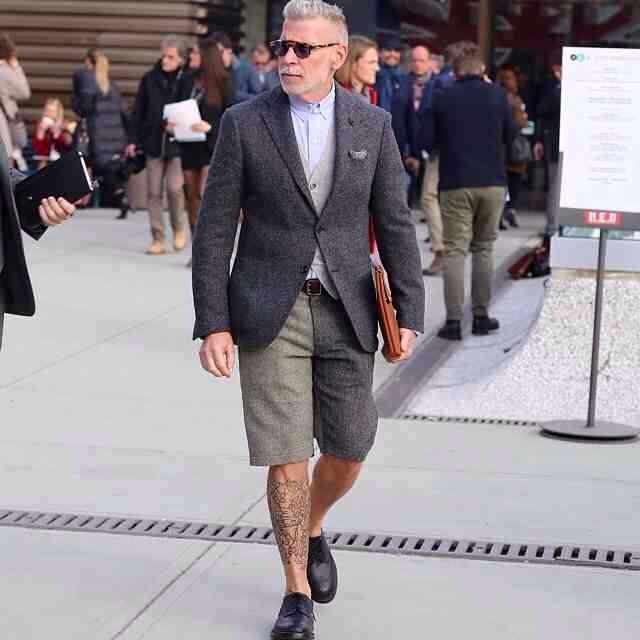
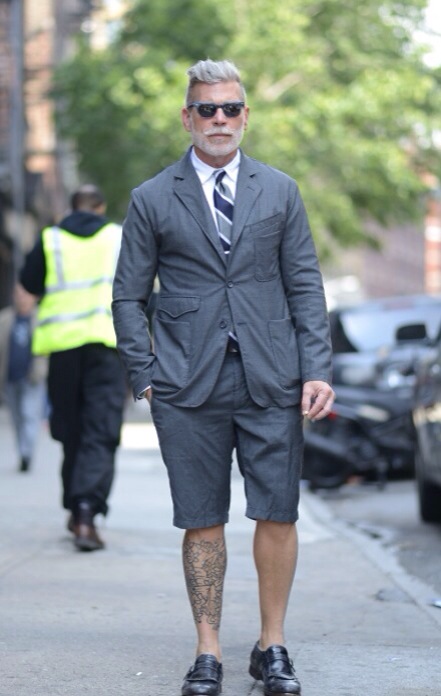
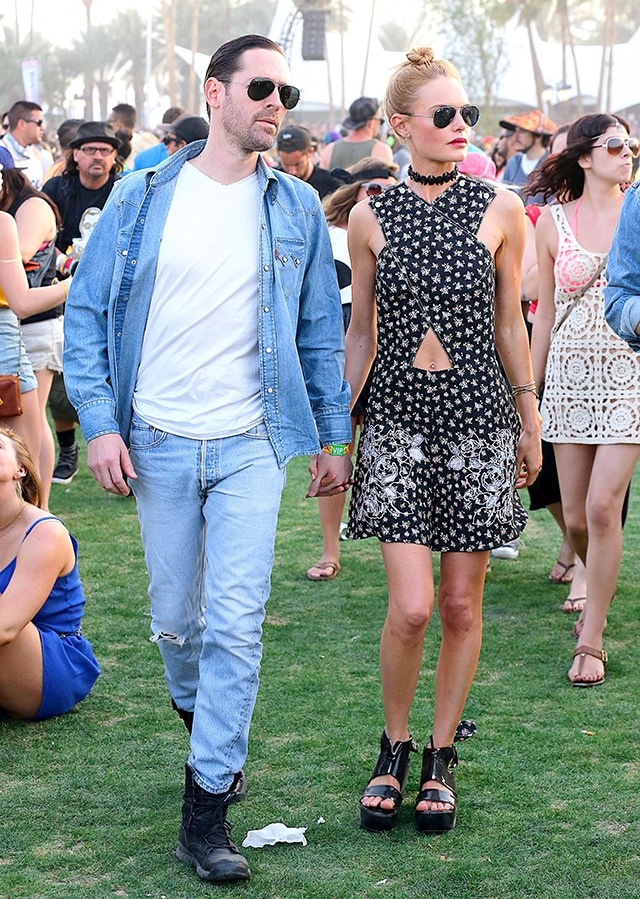
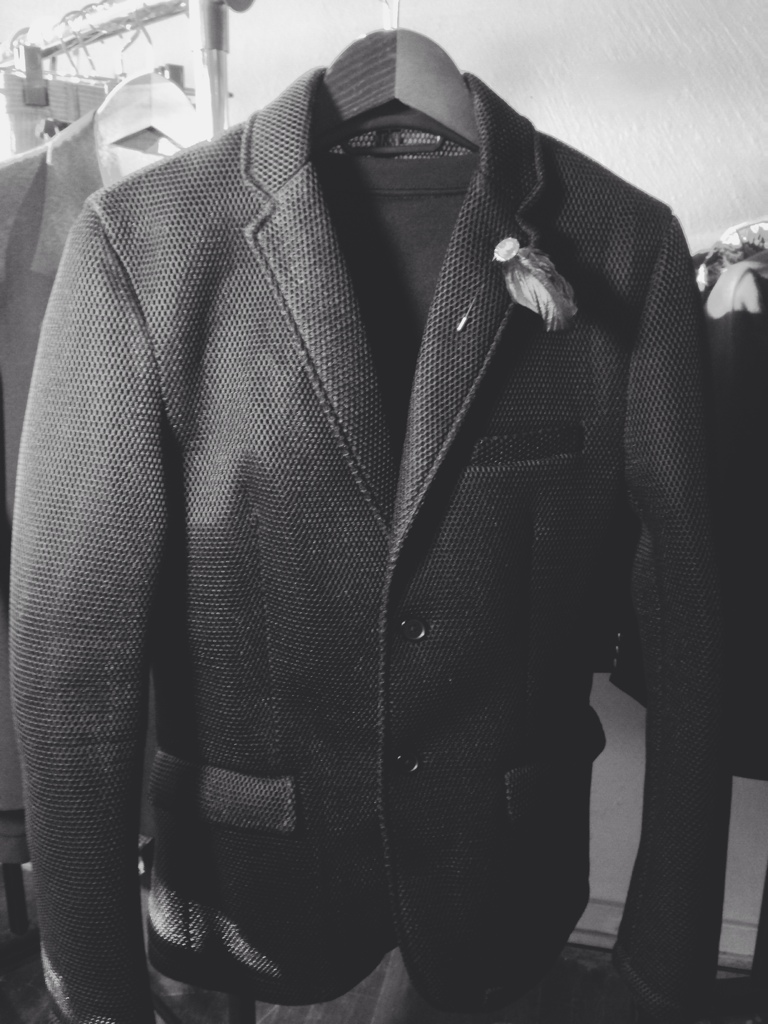
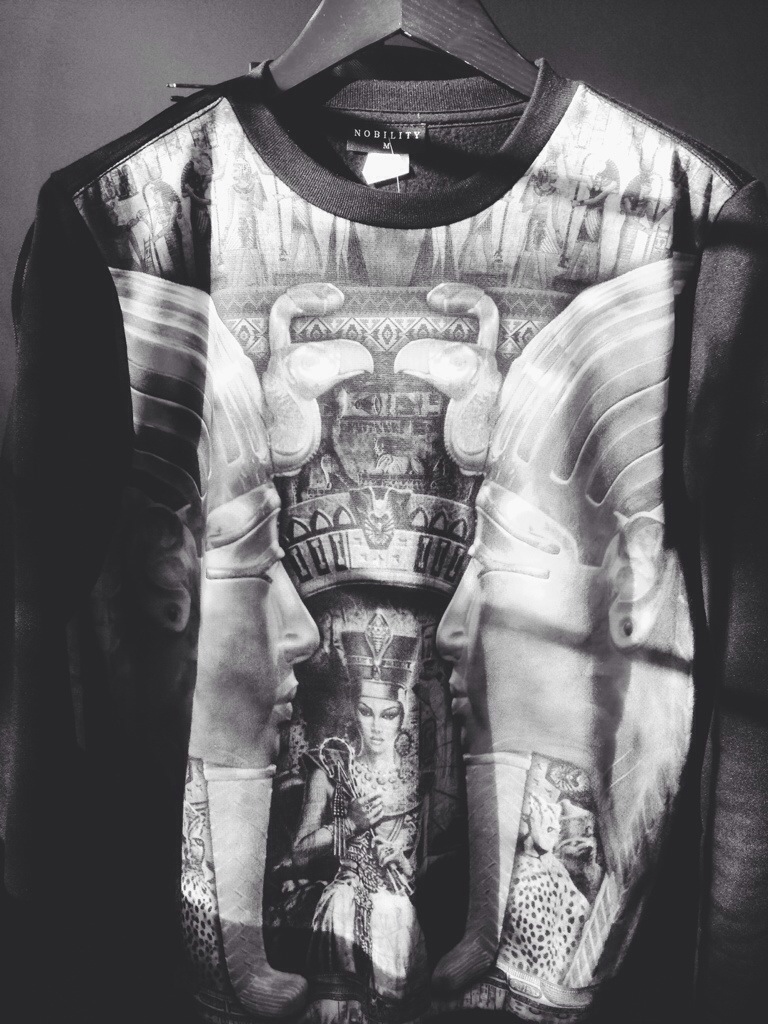
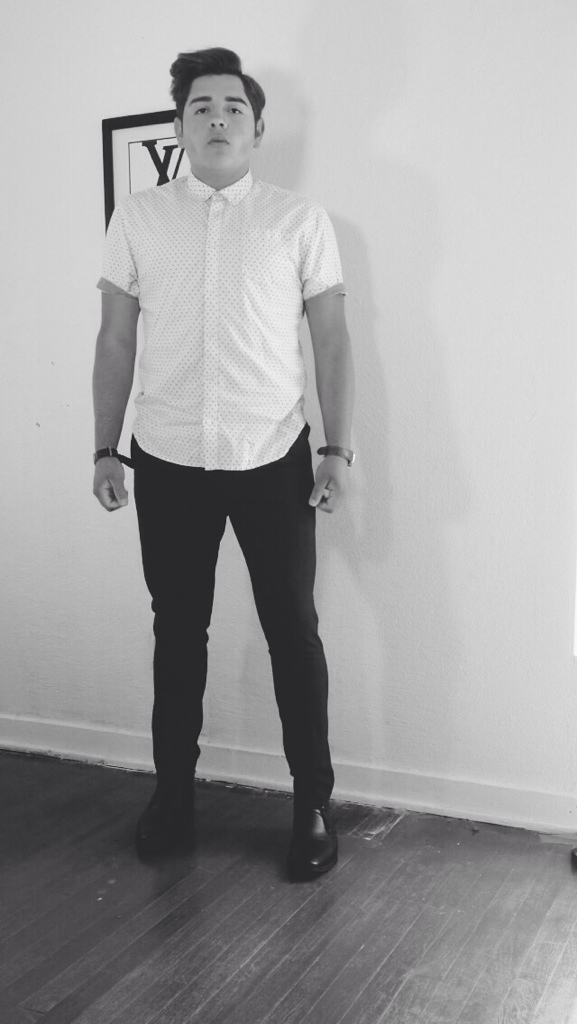
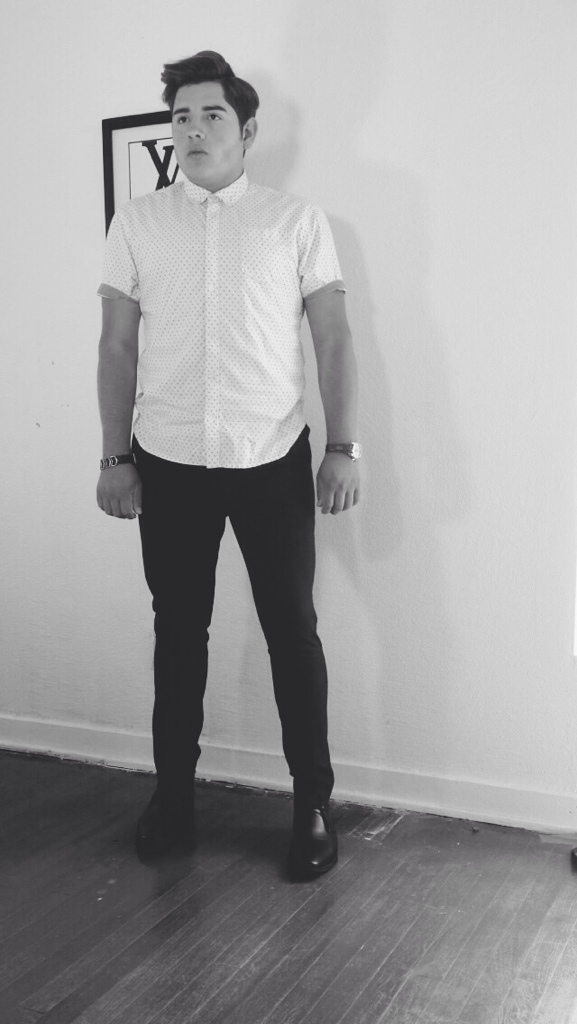
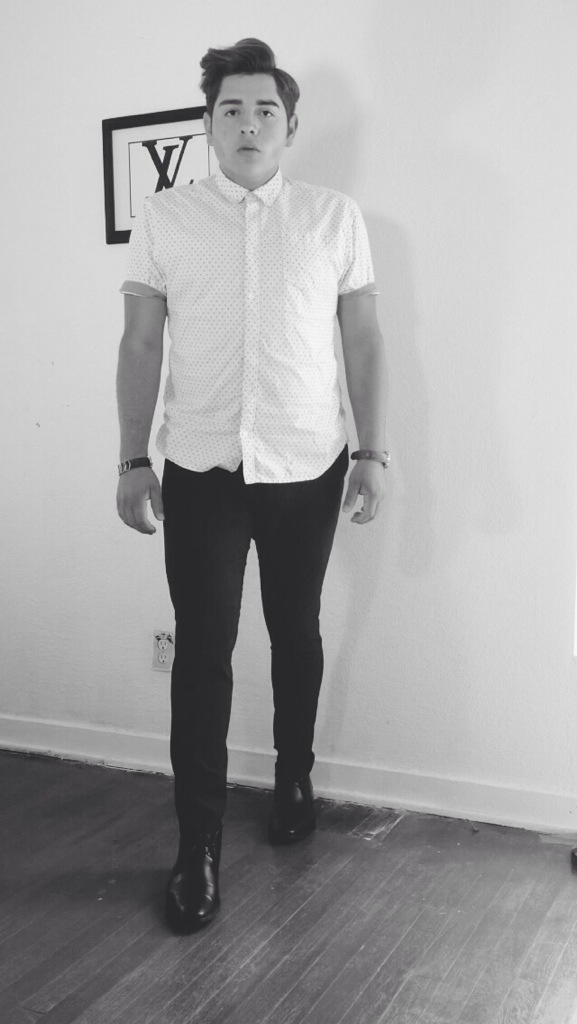
The Staggeringly Well-Dressed Men’s Fashion director for Neiman Marcus has my attention. Here are some of my favorite images. Yes, these are All Shorts enjoy




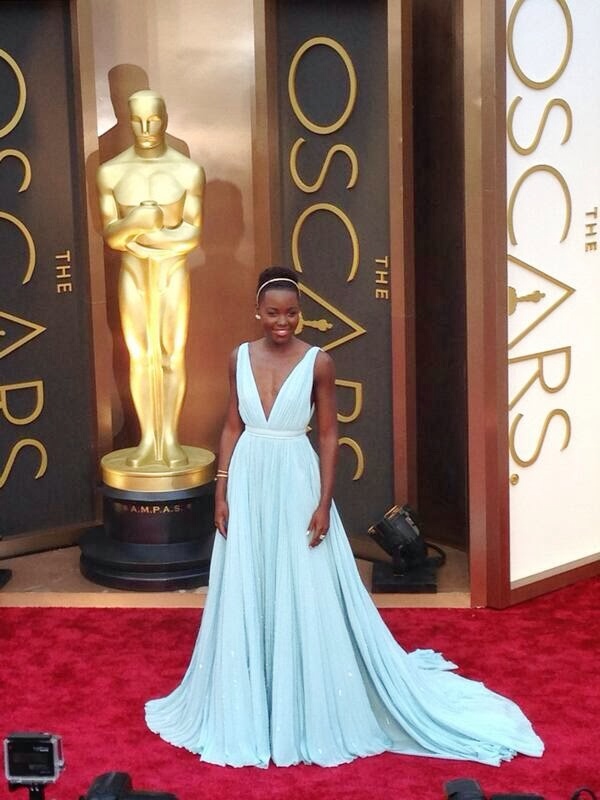
Lupita Nyong’o In Custom Prada
THE Fashion Girl of the Moment, “12 Years a Slave” star and Academy Award Best Supporting Actress nominee Lupita Nyong’o looked resplendent and Goddess-like in a Goddess Gown made just for her by the Italian fashion house Prada. The Custom Prada gown in baby blue color. It featured tiny hand-gathers, a plunging deep-v neckline in the front AND in the back as well and a waist-cinching waistband and very full gathered skirt.
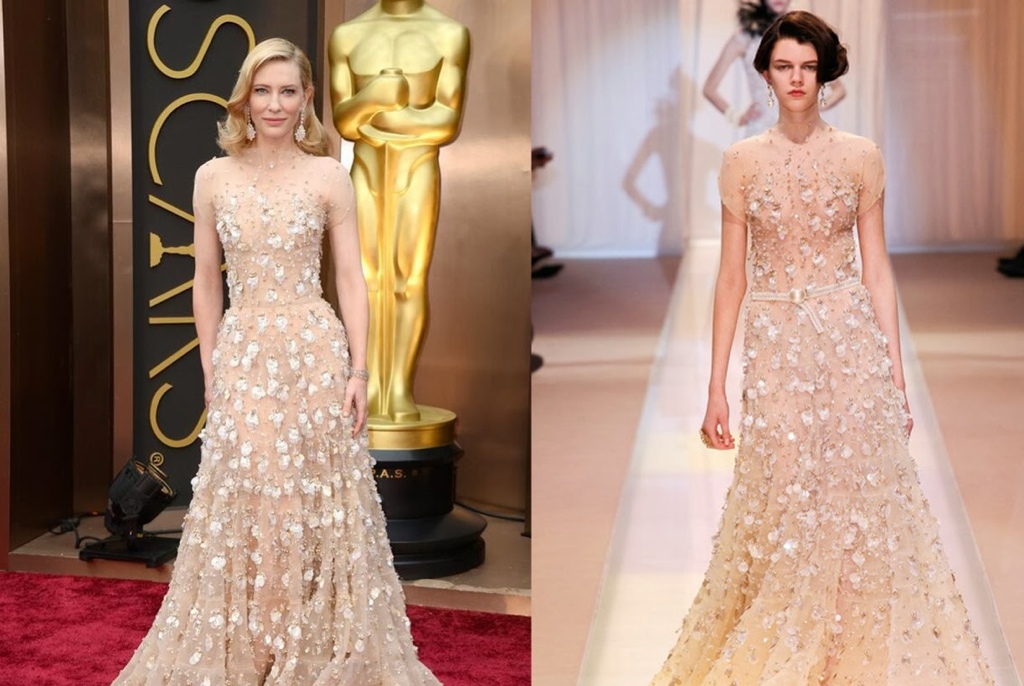
Cate Blanchett In Armani Prive fall 2013
Academy Award-nominated “Blue Jasmine” actress Cate Blanchett would wear Giorgio Armani and Armani Prive to be more specific. She’s his muse and very loyal to his creations. She went one Couture Season back to find this nude-colored hand sequined gown from Armani Prive Fall 2013 collection. It is a STUNNING gown and the beading is INCREDIBLE. Up close, this gown is a work of art and craftsmanship. And it should be since it is Haute Couture.
The earring are by Chopard
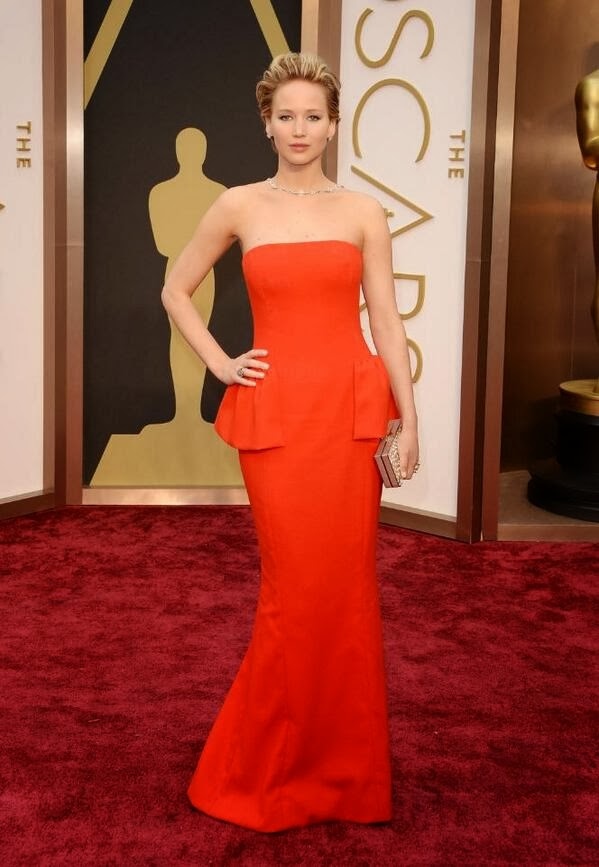
Jennifer Lawrence in Custom Christian Dior
It is no surprise that Academy Award-nominate actress Jennifer Lawrence was going to wear Dior since she is the spokesperson of this grand French fashion house. The gown she wore was a Custom Christian Dior designed by Raf Simons strapless column dress with a slightly-flared silhouette from the knees down. It also features the very Dior-esque side peplum–an homage to “Le Bar” shape.
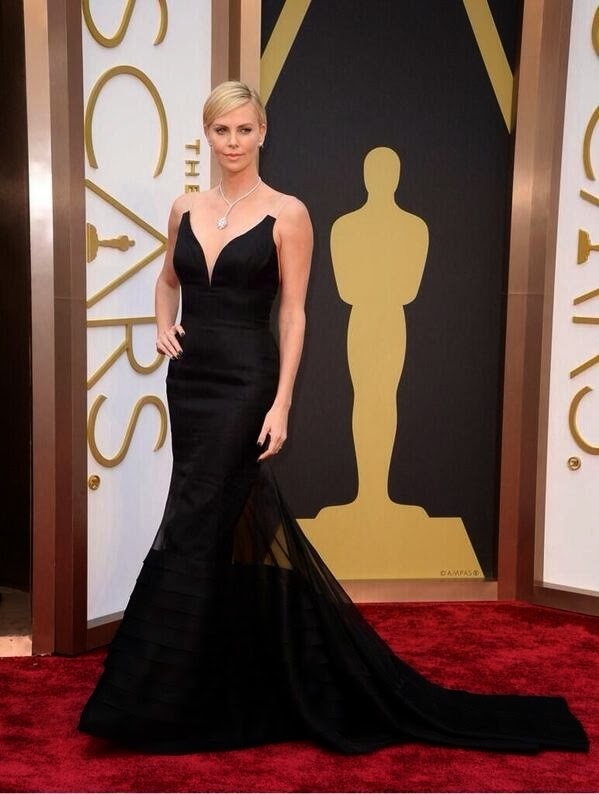
Charlize Theron
The statuesque Theron is another Dior spokesperson so again, not a surprise she wore Custom Christian Dior. The silk gazar and organza gown featured a sweetheart neckline with clear shoulder straps giving a look of strapless when it really was not. The neckline was the perfect frame for that OUTRAGEOUS diamond necklace. The gown has many horizontal pleats/folds beginning at the knew and trailing out into a dramatic full bottom half.
The diamonds are by Harry Winston

Kate Hudson in Atelier Versace
Kate Hudson looked absolutely stunning in this gorgeous Custom Atelier Versace silvery-ivory silk gown with hand-sewn crystals. The gown featured strong 80’s shoulders, a deep-v plunging neckline, a twist-knot draped front midriff/hip detail and back cowl-cape drape…
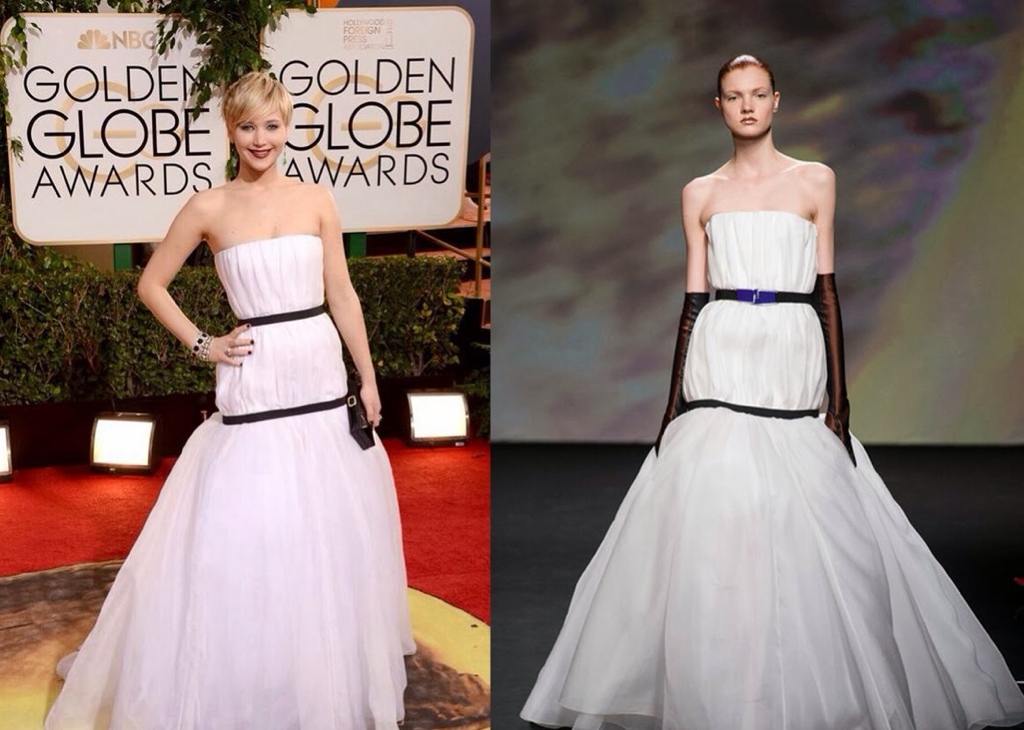
Jennifer Lawrence in Dior Couture Fall 2013: She is the Couture House’s spokesperson. Tonight she wore a strapless ivory silk organza gown that is pleated throughout then “cinched” at the waist and below the hips with belts. The hand-made gown is designed by Raf Simons and is from the Dior Haute Couture Fall 2013 collection, which is approximately $50-$75,000.
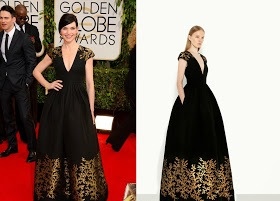
Julianna Margulies in Andrew Gn Resort 2014: Margulies wore a black gown with gold leaf-like trim detail from Andrew Gn Resort 2014. the gown features a full pleated skirt, side in-seam pockets, plunging neckline and drop shoulders.
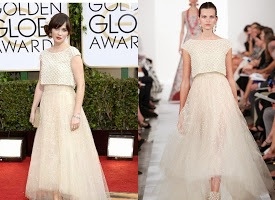
Zooey Deschanel in Oscar de la Renta Spring 2014: Zooey is wearing a golden-hued gown from Oscar de la Renta Spring 2014 collection. The gown features a high-lo tulle skirt and cropped sequined drop-shoulder outer top. This gown comes from an Oscar de la Renta collection that was “co-designed” by John Galliano…










7 Photo Editing Apps to Use With Instagram
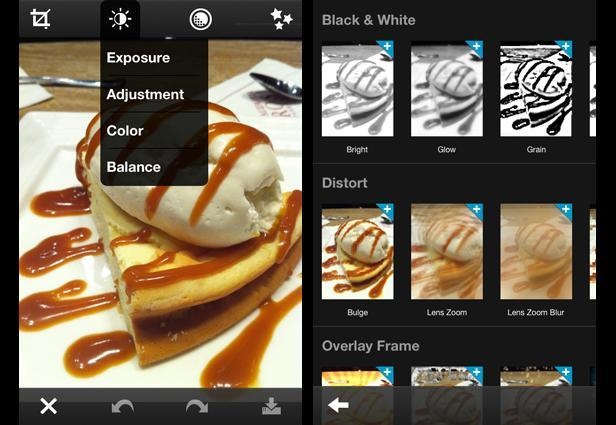
1.PhotoShop Express
This app is a no-brainer. Simple and intuitive, Photoshop Express lets you make the necessary adjustments to crop, exposure, color, tint, hue, saturation, contrast and levels with ease.
You can create artistic looking shots with the swipe of your finger when you add many of the classic filters from Photoshop, including “Lens zoom,” “Grain” and “Glow.”
While somewhat simple, the app works well. Plus it’s free — so, if you don’t already have it, you should be uploading it now.
Price: FREE
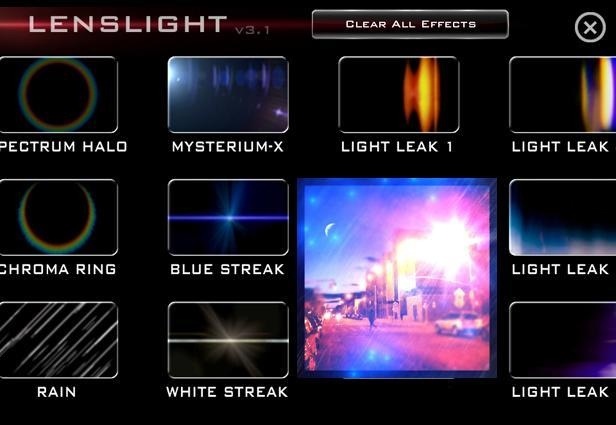
2. Lens Light
If you want a little more pizzazz in your shots (who doesn’t crave sparkles, hearts and sun rays now and then?), try out this app, which has dozens of quality effects to layer over your shots.
You can use this app with every photo you take. Create surrealist landscapes with light from multiple directions, moons (in all stages of waning and waxing), fairy dust and even lightning bolts.
To take a subtler approach, add grain, sketch and borders. The effects are highly customizable — change their positions and adjust their vibrancy on a sliding scale.
Price: $1.99
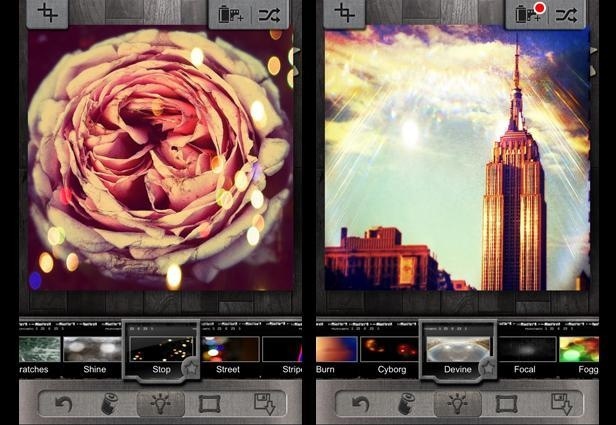
If you only download one app from the list, this should be it. While you wont be able to add funny stamps and cat masks to all of your photos, you’ll take some of the best-looking photos your friends have ever seen.
It’s best to use the app in combination with another (like Photoshop) that lets you make basic corrections before addding these amazing effects.
Choose from dozens of filters (if you buy the pro version of the app, you get even more). Each filter is better than any you’ll find on Instagram. Then, add effects like beautiful sparkles, neon light streaks and even realistic rain.
Price: FREE
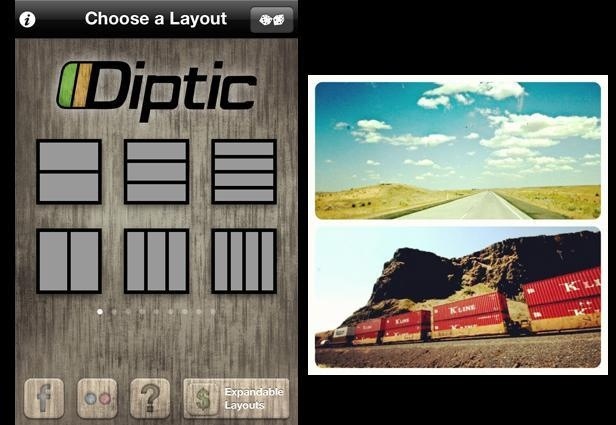
4.DipTic
This app lets you crop several shots together into a collage in a simple, intuitive, custom way.
You can flip, rotate and make minor adjustments (e.g. exposure, contrast) to each photo as you edit. Choose from several templates and customize widths, colors and border edges to your heart’s content.
Price: $0.99
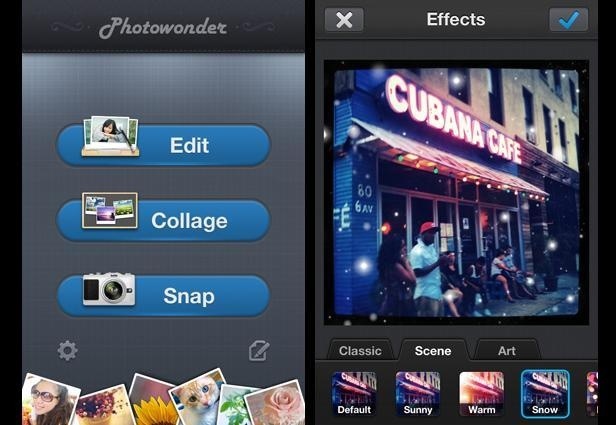
5.Photo Wonder
With Photowonder, crop, collage, add filters and effects. It falls into the same category as LINE Camera, letting users change the filters but also add stamps and create collages.
Still, the effects are much different than LINE Camera’s. One of the best filters adds snow to your photos. (Here, we made it snow in New York City on a scorcher.) Finally, preview effects before you apply them — one of the best parts of the app.
Price: FREE
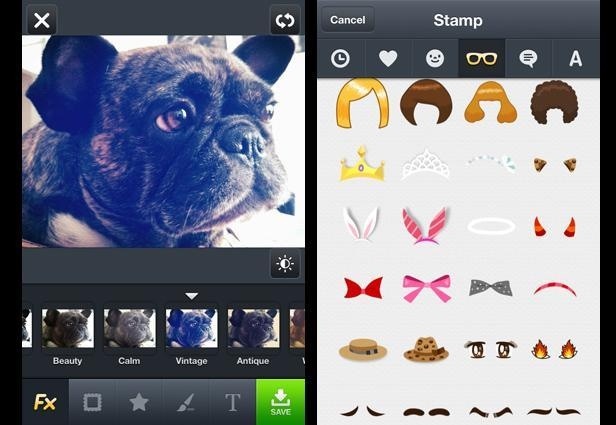
6.Line
Whether you like to get silly with your photos or need to write notes, mark-up images, or just play with cool filters for your shots, this app is for you.
Use LINE Camera to add beards to your friends photos. More serious editors can use the painting and text tools for photo mock-ups.
LINE Camera has as many filters as Instagram. Plus, it lets you draw over your photos with different brushes, add smiley faces, glasses and other funny stamps atop your pictures.
This Japanese app has the most options and effects on the list.
Price: FREE
Calling all Instagram addicts: Cease living your life in X-Pro II. These versatile apps will let you customize, color-correct, crop and add beautiful effects to your photos before you upload them to Instagram.
You can’t always distract the viewer by adding filters to your blurry, underexposed shots. With the apps on this list, you’ll be able to do so much more. These tools will help make some necessary adjustments to your photos before you start adding effects to enhance them. (You might even be ready to ditch the Instagram filters once you check out these apps.)
Then, once you’ve laid a proper foundation, add dozens of effects to your heart’s content — remove blemishes, make it look like it’s snowing on a scorching day, add glitter, moons and even funny cat masks to your friends faces.
Smartphone technology has improved mobile photo editing tremendously. Not only are these apps fast and easy, but they’re simply a lot of fun to manipulate and play with. All the real “pro-grammers” know Instagram is actually the last step to perfect your image before you upload it to the masses. (Don’t worry — you can still douse your photo with the X-Pro II filter at the last minute, if you really want to.)
ReBlogged.
Dear Instagram Video User,
This update is so cool, right? I mean, who knew 15 seconds of this cat playing with a ball could be so enthralling? (Yeah, Vine did the same thing, but it was only 6 seconds: #fail.) Yes, you’ll probably want to Instagram Video everything from now on. Sunsets! Flowers! Waffles! Who wants to be Ansel Adams with their iPhone when they can be Fellini? (Use the “Moon” filter.)
I’m excited for Instagram Video. I really am. When done right, it’s like making one of those moving Harry Potter portraits. And some things like babies, baristas, and, yes, kittens are just better as videos. When done wrong—and if my feed is any indication most Instagram videos fall in the wrong category—they turn your phone into a rectangle of nausea. Shaky videos of still objects. Shaky videos of shaky objects. But mostly, shaky videos of people doing absolutely nothing.
Instagram video has only been out for a few hours now, but unlike with Vine, everyone is on Instagram, and my feed is already clogged with crap; it already feels like it’s time for a correction course. An etiquette guide of sorts. Here’s some rules to follow so you won’t be, ahem, unfollowed:
1. Chill. The. Heck. Out.
You are allowed one and only one test video of the stuff on your desk, or your hand waving in front of the camera, or the dude who walked into your office to tell you about Instagram Video. But that’s it. No more videos of nothing.
2. Steady the Phone
Blurry picture of your Chipotle burrito? Some people will tolerate it. No real harm done. But blurry, vibrating video of some dude on a unicycle? That’s just a road to vomit city for all of your followers. Those age-old camera-steadying techniques—leaning against something solid, gripping with both hands—are even more important with video.
3. Filters Don’t Make Everything Better
It’s a rule you should have taken to heart with your photos, and it applies to video as well. A crappy video with a filter does not make it a better video. You’re on planet earth in 2013. Your videos shouldn’t look like they were shot on Mars, or in 1925.
4. Don’t Be a Douch
It’s one thing to take impromptu snapshots of your crazy friends and post them on your feed—they look happy and glamorous! Crazy videos, or footage of anyone who doesn’t know they’re being filmed, isn’t very classy. Don’t turn Instagram into TMZ.
5. Stop using Instagram Video
Not everything needs to be a video, you know. The beauty of Instagram is that a picture can equal 1,000 words, and you can absorb all of it in the blink of an eye. Clogging people’s feeds with 15-second snippets of things that should’ve in a photograph just makes Instagram a chore—just like, I don’t know, Facebook?
That’s all the tips I have for now. Got to go make Instagram Videos of all of my Vines now. TTYL.
Your pal,
Kevin
SHARE POST
Tag
entertainmentinstagrammen’s livessocialtech
It’s not to Late.
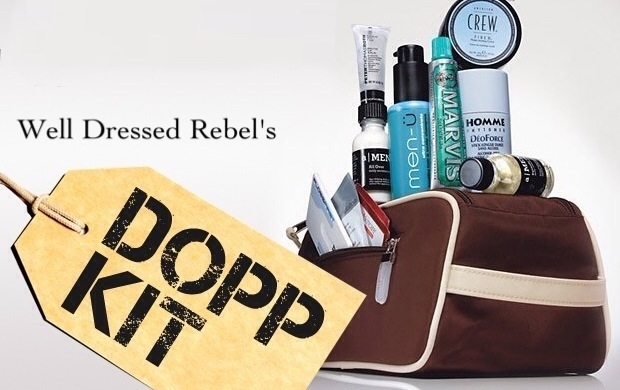
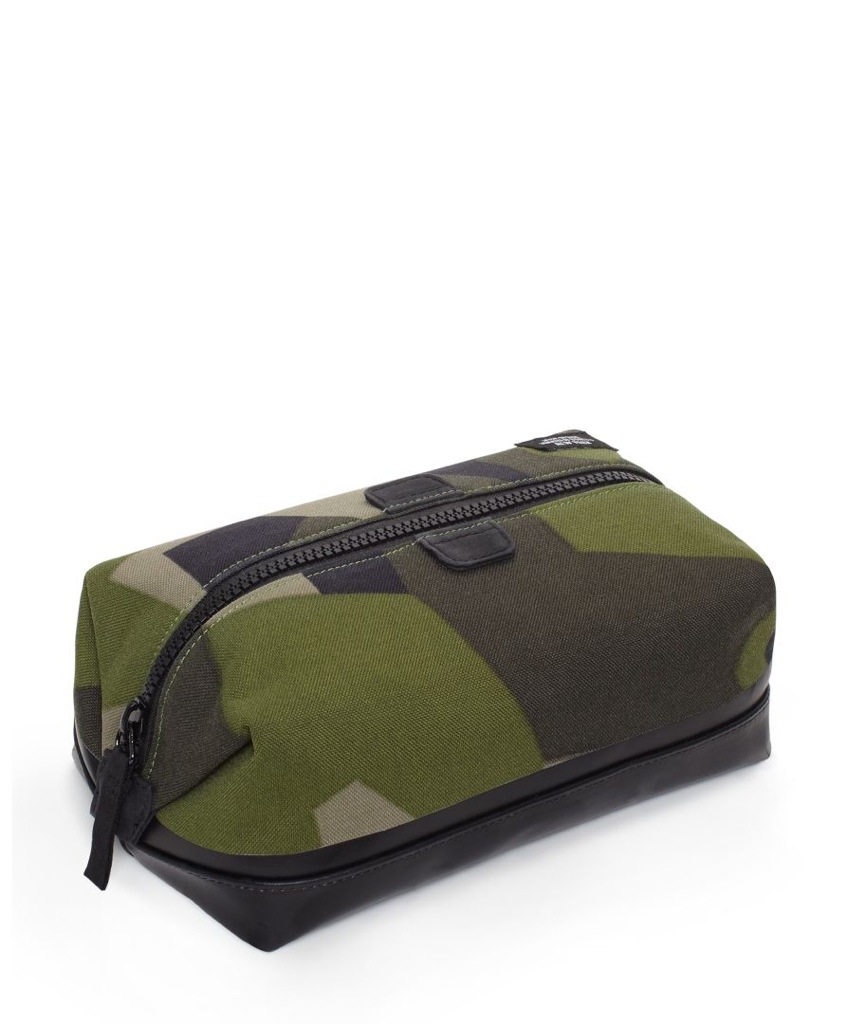
To the untrained eye, it seems like a simple concept: a shallow rectangular bag, usually made of nylon (but preferably leather) that is roomy enough to fit your toothbrush, your shaving cream, and any other things you need while traveling. Yet, somehow, there is always something we forget at home, so here’s a checklist you can use to gift the perfect dopp kit this Father’s Day:
•ToothbrushOral B
•Toothpaste Tom’s toothpaste
•Body washPolo Wash
•Deodorantold spice
•Lip balmclick here
•RazorGillette
•Shaving creamEvery Man Jack
•ShampooJoico
•Moisturizer-sunscreen comboKiehl’s
•Nail clippersclick here
•Lint rollerclick here
•Extra contact lensesAcuvue Oasys
•Band-Aidshere
•Airborne/vitamin supplements
ADDITIONAL DOPP KIT ESSENTIALS
•A $20 bill—in case he loses his wallet and has no access to cash.
•Safety pins—to fasten a shirt if a button pops or his pant zipper breaks.
•Collar stays—in case the ones in his shirt get lost.
SMART IDEA
Always keep a Dopp kit at the office or in the car fully stocked with every day hygiene products, a clean pair of socks, and underwear. You never know when you’ll need them.
Get to shopping
 </a
</a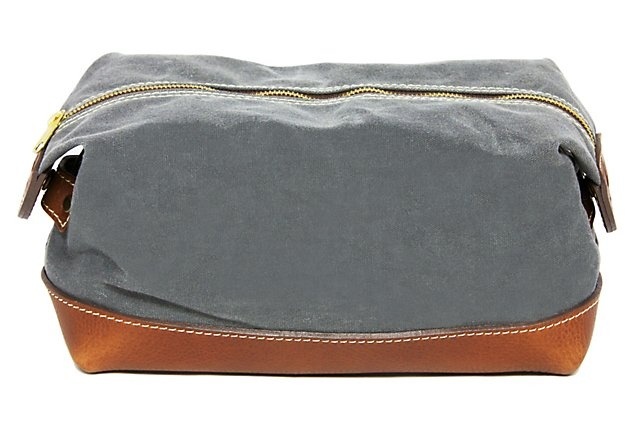

 welldressedrebel